How to Download Pinterest Videos in HD and 4K
You found a perfect video pin. You saved it. Then you opened the file and the picture looked soft and dull. This guide fixes that problem. You will learn where the real quality hides on Pinterest, how to pull the sharpest file every time, and how to check what you actually got. One honest fact comes first. No tool can create quality that the creator never uploaded. But a good Pinterest video downloader always fetches the best file Pinterest holds for a pin, and most people never get that file because they save the wrong way.
Does Pinterest Even Host True 4K Video?
This is the question almost nobody asks. Pinterest stores the video file the creator uploaded. Then Pinterest compresses that file for fast loading. Most creators upload at 1080p, and many upload at 720p. True 4K uploads exist on Pinterest, but they are rare.
So the ceiling for your download is the upload itself. If a pin lives on Pinterest at 1080p, your sharpest possible download is 1080p. Any app that promises to turn that file into real 4K only stretches the picture. The file grows bigger. The detail does not grow with it. The same rule holds for still pins, and our guide to download the full size Pinterest image shows how the preview trick works there too.
What 4K Really Means on Pinterest
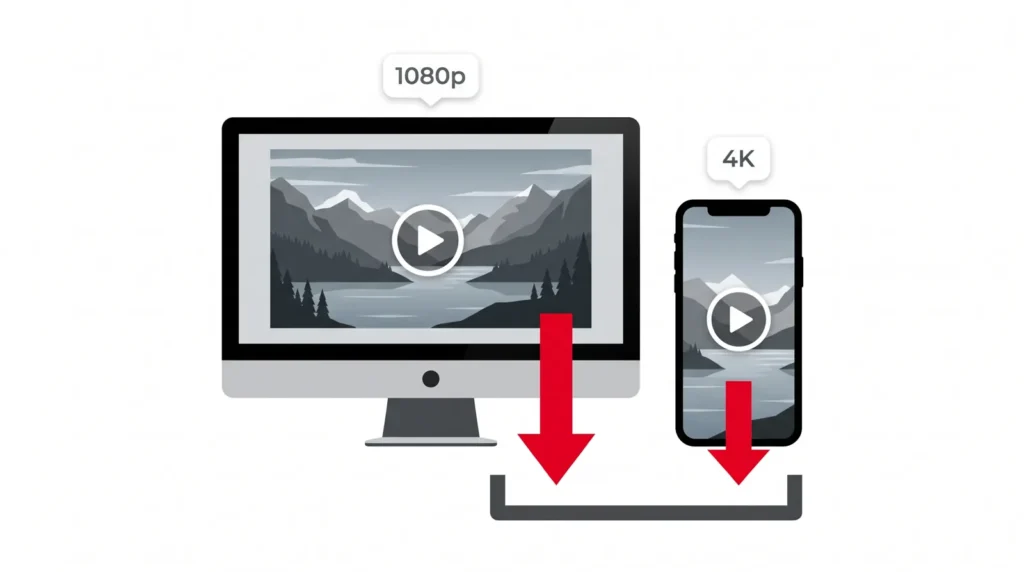
A 4K video carries a picture that is 3840 pixels wide and 2160 pixels tall. A 1080p video is 1920 by 1080. A 720p video is 1280 by 720. More pixels mean more detail, cleaner edges and text you can actually read.
Here is the part most guides skip. Pinterest shows you a small preview in the feed and in the app. That preview is a compressed copy. The original file sits behind the pin. When you use a screen recorder or save the preview, you capture the small copy. When you use the pin link with a proper tool, you pull the original file.
The 3 Steps to a Sharp Download
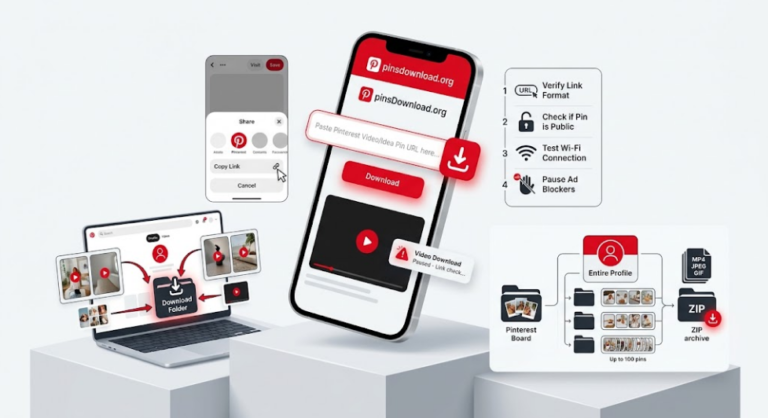
- Open the pin and copy its full link from the share menu or the address bar.
- Paste the link into the Pinterest video downloader on the PinsDownload home page.
- Run the download and save the file. If the tool offers sizes, pick the largest one.
That is the whole job. No sign up. No watermark on the file. The same clean file can be saved without watermark in full quality. The saved video keeps the original sound track too. The app preview often plays muted, but the real file holds the full audio the creator added. If a pin was uploaded silent, the file stays silent, because no tool can add sound that was never there.
Why Your Download Looks Blurry
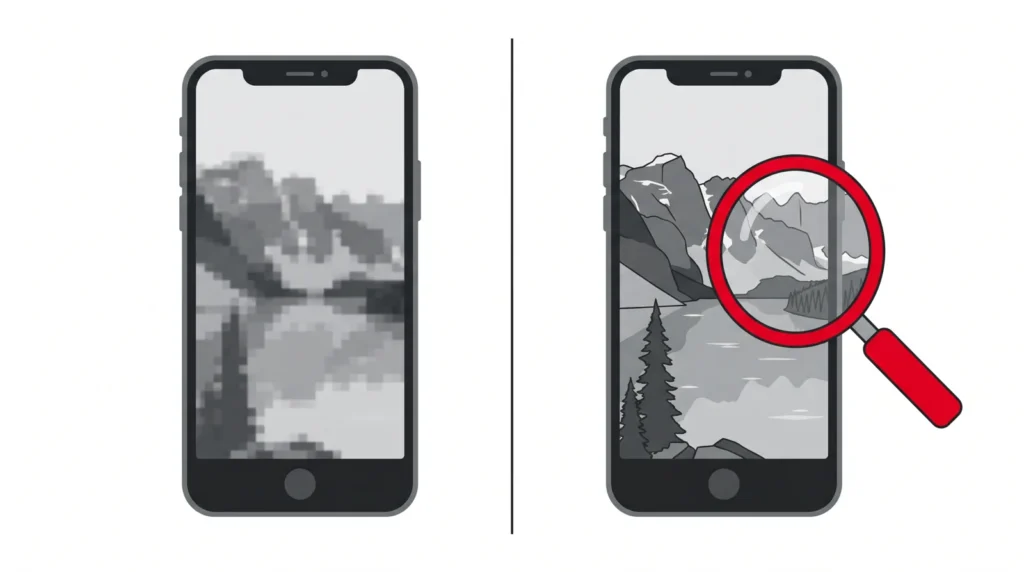
Four causes explain almost every blurry save. First, the creator uploaded a low quality video, and the download can never beat the upload. Second, you saved the preview instead of the file behind the pin. Third, you recorded your screen, and a screen recording only captures the preview your screen showed. Fourth, an app re compressed the file after you saved it, which shrinks the picture again.
Pinterest looks low resolution for a simple reason. The platform serves small files first so pages load fast and phones use less data. The sharp file is still there. You just have to ask for it the right way, through the pin link. If you keep hitting the same wall, our video download fixes that actually work walks through the stubborn cases step by step.
How to Check the Quality After You Save
Never trust how a video looks on a small preview. Check the file itself.
- On a computer, open the file properties and read the frame width and height.
- On Android, open the file details in your gallery or file manager.
- On iPhone, open the video, tap the info button and read the dimensions.
- A height of 2160 means true 4K. A height of 1080 means full HD. A height of 720 or less means the source pin was small.
File size tells the same story. A one minute 1080p video usually weighs far more than a one minute 360p video. A tiny file almost always means a tiny picture.
4K on Phone vs Computer
The steps stay the same on both. The difference is storage and screen. A 4K file can weigh ten times more than a 720p file, so phone storage fills fast. Most phone screens also stop at about 1080p, so a 4K download looks the same as a 1080p download on the phone itself. Save 4K when you plan to edit the video, crop it, or play it on a big screen. Save 1080p for everyday phone use and save your space.
Frequently Asked Questions
Does Pinterest support 4K video?
Pinterest stores the file the creator uploaded and then compresses it. Most video pins top out at 1080p. True 4K pins exist but they are rare. Your download always matches the best file Pinterest holds for that pin.
How do I download a Pinterest video in the highest resolution?
Copy the pin link. Paste it into PinsDownload. The tool reads every size Pinterest holds for that pin and hands you the largest one. If a size choice appears, pick the biggest file.
Why is Pinterest low resolution in the app?
The app shows small preview files so pages load fast and phones use less data. The full file sits behind the pin. A downloader fetches that full file, not the preview.
Why is the quality bad when I download from Pinterest?
You likely saved the preview, recorded your screen, or picked a pin that was uploaded small. A screen recording captures the preview only. Use the pin link and pull the original file instead.
How do I fix a blurry Pinterest download?
Download again from the pin link, not from a saved copy. Pick the largest size the tool offers. Check the file details after you save. If the source pin is small, no tool can make it sharp.
Can I convert a normal video to 4K?
Converter apps stretch the picture and guess at new detail. The file gets bigger but the picture does not get clearer. Real quality only comes from the original upload.
Why can’t I download videos directly from Pinterest?
The Pinterest app offers a native save for some pins, but it adds limits and often lowers the quality. Many pins have no download option at all. A web tool fills that gap.
Why does the downloader say the download failed?
The pin may be private, deleted or locked to one region. Check that the link opens in your browser. Then copy the link again from the pin page and try once more.
Does the saved video keep its sound?
Yes. The file keeps the original audio track. The app preview often plays muted, and the saved file plays with sound in your gallery or player. A pin uploaded without sound stays silent.