How to Download an Entire Pinterest Board Without Losing Quality
You can download a full Pinterest board at its original quality by using a tool that pulls the source file directly instead of a compressed preview. The quality loss most people run into doesn’t come from Pinterest itself. It comes from downloaders that resize, re-encode, or screenshot pins instead of grabbing the real file.
If you’ve ever saved a “board” for a wedding, a renovation, or a mood board only to find the images look soft or pixelated once you open them properly, this is why, and it’s completely avoidable.
Why Do Downloaded Boards Sometimes Look Blurry?
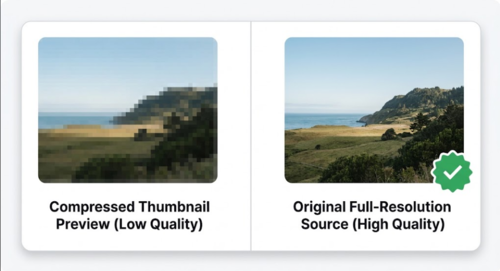
Most quality loss happens at one of two points. Either the tool captures a thumbnail-sized preview instead of the full image Pinterest is actually serving, or it re-compresses the file on its way to your device to save server bandwidth on their end.
Pinterest itself stores images at a fairly high resolution, especially for pins uploaded from a camera or a design tool. A downloader that reads the pin’s real file, rather than the small preview shown in the grid view, should hand you back the same resolution Pinterest has on file.
Does Downloading a Whole Board Work Differently Than a Single Pin?
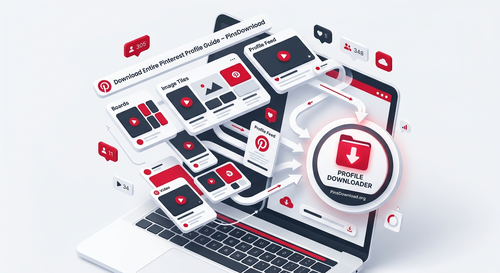
Not really, it just happens at scale. A board downloader reads every pin’s link inside the board one at a time, in the background, then presents them together so you’re not copying and pasting 40 separate URLs. The quality of each individual file should be identical to what you’d get downloading that same pin on its own.
The difference to watch for is whether the tool lets you preview a thumbnail before downloading, then fetches the real file only when you commit to the download. That two-step approach is what keeps a bulk download from feeling like a slow, one-by-one process.
How Many Pins Can You Actually Download at Once?
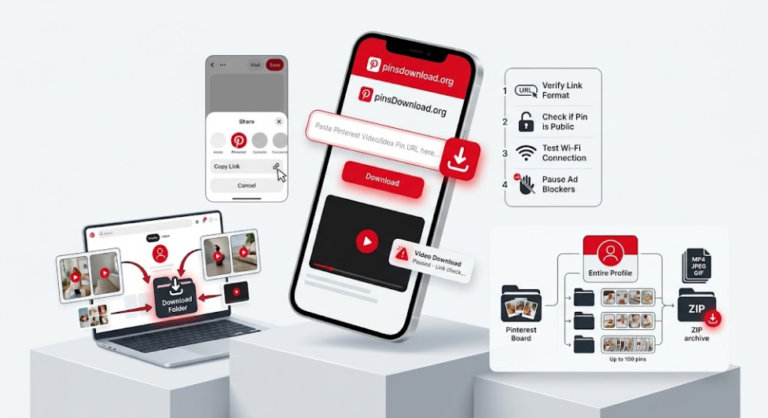
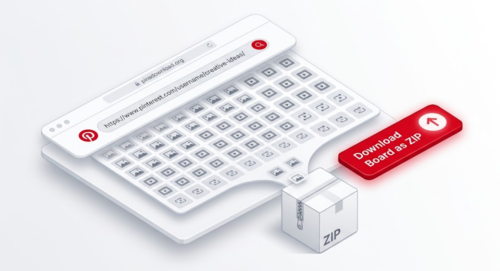
This varies a lot by tool. Some downloaders cap a single request at 16 or 50 pins, which means a 120-pin board takes three separate trips. PinsDownload allows up to 100 pins per request, so most personal boards finish in one go, and you can download the whole set as a single ZIP file instead of tapping “save” on every item individually.
Does It Matter If the Board Mixes Videos, Images, and GIFs?
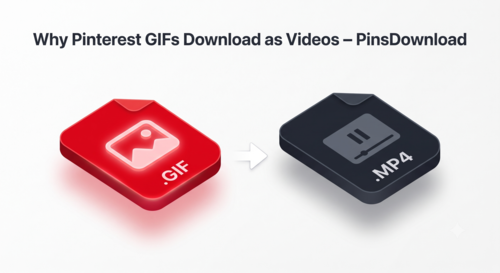
A board that mixes media types shouldn’t lose quality either, as long as the downloader treats each file type correctly instead of forcing everything into one format. Videos should stay as video files at their original resolution, GIFs should stay animated instead of being converted to a silent MP4, and images should come through as JPG or PNG without extra compression.
If you’re building something like a recipe collection or a DIY project board with a mix of photos and short clips, check that the tool you’re using handles all three natively rather than converting everything to one file type for convenience.
What About Boards With Sections?
Pinterest lets people organize a board into sections, essentially folders within the board. A good board downloader should still see every pin across every section when you paste the main board link, not just the pins sitting outside any section. If pins seem to be missing after a download, check whether they’re tucked into a section you might not have noticed.
Real Reasons People Save Whole Boards
Wedding planning boards get saved before a venue or vendor changes, or before a board goes private closer to the date. Home renovation boards get archived so a contractor can see the exact inspiration photos without needing a Pinterest login. Recipe boards get backed up before a food blogger deletes older content during a site redesign. Portfolio and mood boards get saved for offline presentations, client meetings, or print layouts where Pinterest’s app isn’t practical to use.
In every one of these cases, the point of downloading is to keep something exactly as it looked on Pinterest, so quality matters just as much as convenience.
Getting the Best Results
Paste the board link exactly as it appears in your browser’s address bar, including country-domain versions like uk.pinterest.com if that’s what you’re on. Let the tool generate thumbnails first so you can deselect anything you don’t need before downloading the rest. Download as a ZIP if the option is available, since it keeps every file at full size without an extra compression step on your end.
The Pinterest Board Downloader handles boards up to 100 pins per request, keeps videos, images, and GIFs in their original format, and works with public boards including section-organized ones and country-domain links.
Frequently Asked Questions
Why do some downloaded Pinterest images look worse than the original?
This usually happens when a tool grabs a compressed preview instead of the source file. Look for a downloader that reads the actual pin file rather than a thumbnail.
Can I download only some pins from a board instead of all of them?
Yes, most board downloaders show a thumbnail list first so you can deselect anything you don’t want before downloading the rest.
Do sections inside a board affect what gets downloaded?
They shouldn’t, a proper board downloader reads every pin across all sections when you paste the main board link.
Is there a limit to how many pins I can download from one board?
It depends on the tool. Some cap it at 16 or 50 pins per request. PinsDownload allows up to 100 pins in a single request.
Can I download a board that mixes videos, images, and GIFs together?
Yes, as long as the downloader keeps each file in its native format instead of converting everything to one type.