How to Download GIFs from Pinterest (Without Losing the Animation)
How to Download GIFs from Pinterest (Without Losing the Animation)
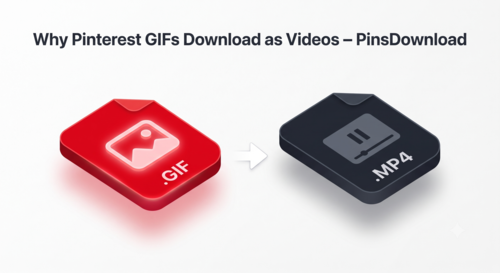
Pinterest shows most animated pins as silent video previews, not plain GIF files. The real file behind the pin keeps the full animation. That is why your download arrives frozen, and why saving one the right way takes less than a minute.
The Annoying Problem Every Pinterest User Hits
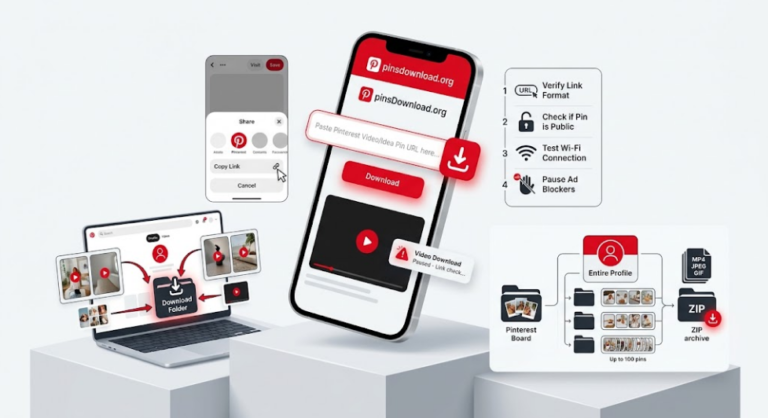
Open the GIF pin on Pinterest, tap Share, and copy the link. Paste the link into a Pinterest GIF downloader and hit Download. Pinterest shows animated pins as silent video previews, but the file behind the pin keeps the animation, so a proper download saves the pin with its motion intact.
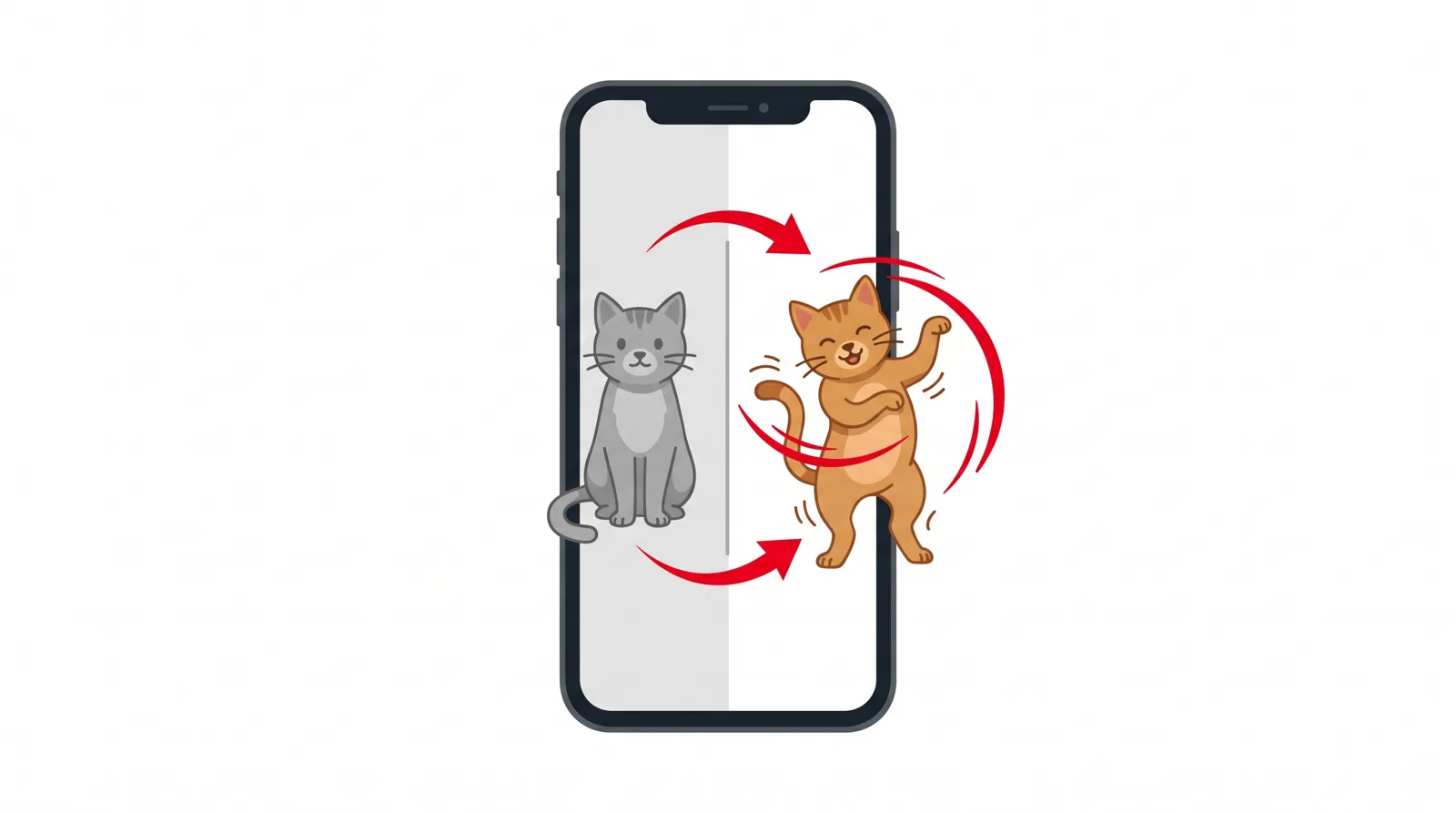
You found the perfect GIF on Pinterest. A dancing cat. A mind-blown reaction. You saved it and sent it to a friend.
It arrived frozen. One still image. Zero dance moves.
Frustrating, right? Here is what most people never learn: that “GIF” on Pinterest is often not a GIF file at all. Pinterest shows many animated pins as silent video previews behind the scenes. Your phone broke nothing. The file just changed clothes.
Once you understand this one fact, downloading GIFs the right way takes less than a minute.
The 30-Second Method (Works on Any Device)
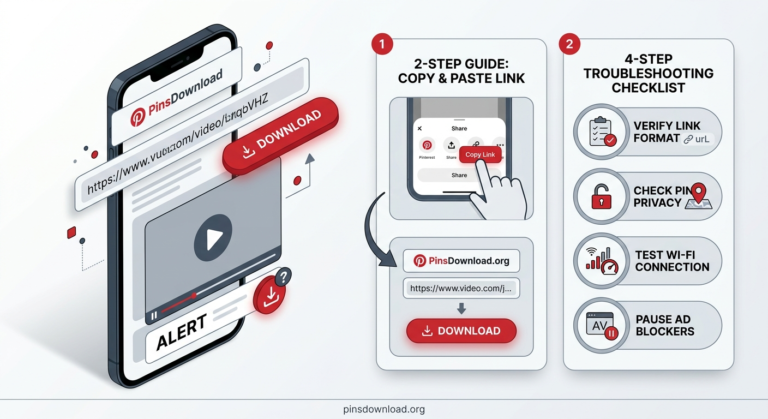
Open the pin
Open the Pinterest pin with the GIF you want.
Copy the link
Tap the Share icon (or the three dots) and choose Copy Link.
Paste and download
Paste the link into our free Pinterest GIF downloader and tap Download.
Save the file
Save the file. You get the animated file behind the pin, with the full motion intact.
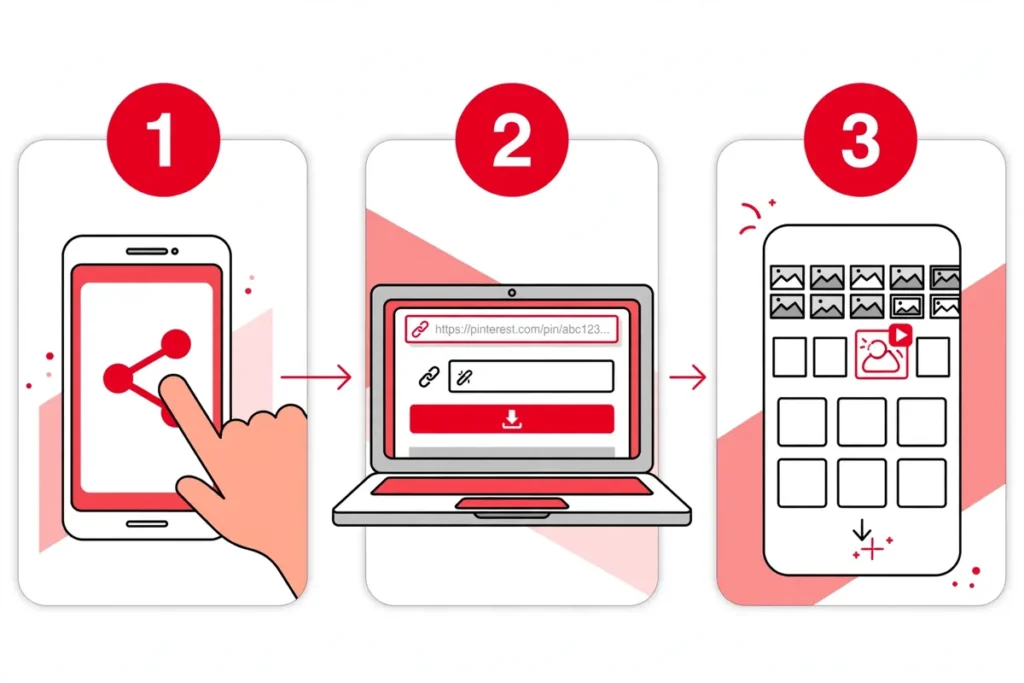
That is the whole process. The guides below cover the small differences on iPhone, Android, and PC.
On iPhone: Save the GIF to Your Photos
Tip: choose Photos when Safari asks where to save. Files saved to the Files app sometimes show only a thumbnail.
A note on Live Photos. Your download lands as a GIF or video file, not a Live Photo. It still plays its full animation inside the Photos app when you open it. If you truly need it as a Live Photo, a free converter app can turn the short saved video into one.
On Android: Save It to Your Gallery
On PC or Mac: The Fastest Way
GIF or MP4: Which File Do You Actually Get?
Here is the honest answer. Pinterest stores most animated pins as silent video files, and a smaller share as true GIF files. The downloader fetches the file Pinterest holds for that pin. So one pin may arrive as a video file and the next as a .gif. Both carry the full animation. In apps like WhatsApp, iMessage and Discord, both play the motion with no extra work.
One case is different. If an app or a website demands a file that ends in.gif, convert the video copy free:
It takes about 10 seconds. The motion stays intact, and the file may grow bigger, because GIF files are heavy for the same clip.
Troubleshooting: When the Download Fails
If a pin misbehaves, check Pinterest’s own help pages.
The GIF looks frozen after download
You probably saved a preview image instead of the animation. Copy the link again from the actual pin (not a screenshot) and re-download.
“This pin is not available”
The pin is private, deleted, or login-only. Our tool only works with public pins.
The share button does nothing
Update the Pinterest app, then copy the link again. Old app versions sometimes break the share menu.
The file will not play on my iPhone
Save it to Photos, not the Files app. The Photos app plays the animation. The Files app sometimes shows a still frame.
Frequently Asked Questions
Why can’t I save a GIF from Pinterest directly?
Pinterest does not offer a download button for GIFs. Pinterest shows many animated pins as silent video previews, and weak tools save only that preview or a still frame. A downloader tool reads the pin link and hands you the file Pinterest hides. We explained the full technical reason in our guide on why Pinterest GIFs turn into videos.
Does Pinterest still have GIFs?
Yes. Pinterest still hosts millions of animated pins. They look like GIFs and act like GIFs. The platform just stores most of them as video files under the hood.
How do I download a GIF from Pinterest as a video?
You do not need to ask for a video. Copy the pin link, paste it into a Pinterest GIF downloader, and save the file. If Pinterest stored the pin as a video file, you get that video. If it stored a true GIF, you get the GIF. Either way, the animation plays in full.
Where do my downloaded GIFs go?
On iPhone: the Photos app. On Android: your Gallery or Downloads folder. On PC or Mac: the Downloads folder.
Is it free to download Pinterest GIFs?
Yes. Our downloader is 100% free with no signup and no watermark.
Why do my GIFs look frozen on Pinterest?
You likely opened a static preview or saved a thumbnail image. Open the actual pin so the animation plays, then copy that pin’s link.
How do I save a GIF so it still moves?
Always download from the pin link, never from a screenshot or the preview. The preview is a still or small copy. The file behind the pin holds the full loop, and that is the file the downloader fetches.
How do I download a GIF from Pinterest on iPhone?
Open the pin in the app and copy its link. Open the GIF downloader in Safari and paste the link. Download the file and save it to Photos. It plays its animation when you open it in the Photos app.
The Bottom Line
Pinterest GIFs look simple and act weird because most of them are silent videos in disguise. Copy the link, paste it into a downloader, save the file. Thirty seconds, full animation, no app to install.
Want the fastest way? Use our free Pinterest GIF downloader. Paste any GIF pin link and keep the animation.
Try the GIF Downloader →